An online radio station depends on more than a streaming password. Client accounts, source credentials, presenter computers, websites, domain names, email and social profiles can each interrupt the service or damage its reputation when compromised. This guide establishes a practical security baseline for small and medium stations without requiring a dedicated security department.
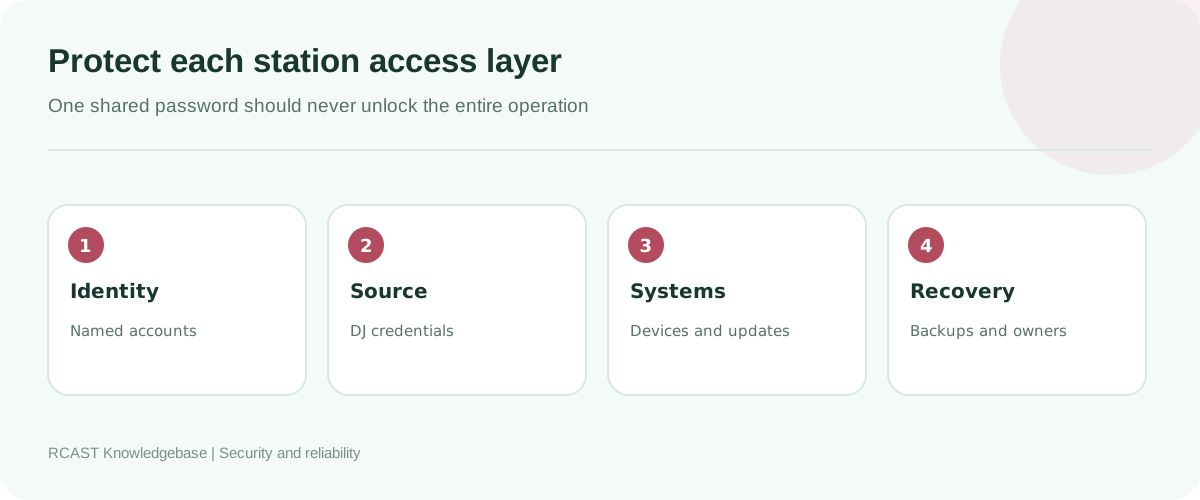
Map the accounts that keep the station online
Create an inventory of the RCAST client account, source and DJ credentials, domain registrar, DNS provider, website hosting, station email, automation computer, cloud storage, directories and social networks. Record the owner, recovery method and business purpose of each account. Store secrets in a password manager, not in the inventory itself.
Identify dependencies. A domain mailbox used to recover the domain registrar can create a circular failure. A former volunteer's personal email should not own the station website or directory listing. Use role based station addresses for ownership, then grant named access to individuals.
Use unique passwords and multifactor authentication
Generate a long unique password for every administrative account. Password reuse turns a breach at an unrelated website into a station incident. A password manager allows the team to use random credentials without memorising or copying them into chat history.
Enable multifactor authentication wherever available, especially for email, domain registration, billing, hosting and password management. Prefer authenticator applications or security keys when supported. Store recovery codes offline in a location accessible to authorised station leadership. Do not make one presenter's phone the only recovery method.
| Access type | Recommended control | Avoid |
|---|---|---|
| Administrative account | Named login, unique password, MFA | Shared administrator credentials |
| Live presenter | Individual DJ credential with limited rights | Giving every presenter the master source password |
| Automation computer | Dedicated service credential and locked device | Using an owner's everyday account |
| Contractor | Temporary least privilege access | Permanent access after work ends |
| Emergency recovery | Documented sealed recovery process | Recovery details known to one person |
Separate client, admin, source and DJ credentials
The client account manages services and billing. A source credential sends audio. A DJ account may permit a presenter to take over a particular service. These are different privileges and should remain separate. Never place the client account password inside encoder software.
Give each presenter an individual DJ account when the service supports it. Disable the account when the presenter leaves or no longer needs live access. If presenters share a single source password, changing one person's access means updating every encoder and automation system, which encourages teams to postpone rotation.
Protect the email and domain first
Email is commonly the recovery path for every other service. Protect the primary mailbox with MFA, review forwarding rules and remove unknown recovery addresses. Use separate role addresses for billing, technical administration and listener contact so public mail exposure does not reveal the main login.
At the domain registrar, enable MFA and transfer protection. Confirm the registrant and recovery details are current. Restrict DNS changes to authorised staff and export a record of working DNS entries. A stolen domain can redirect the website, email and player even while the streaming server remains healthy.
Secure presenter and automation computers
Install supported operating system and application updates on a planned schedule. Remove unused remote access tools, browser extensions and software. Use standard user accounts for daily operation and reserve administrator access for maintenance. Enable disk encryption on portable systems where practical.
A dedicated automation computer should not be used for casual browsing, personal email or unknown downloads. Configure automatic screen locking, safe power settings and a tested restart process. Antivirus exclusions should be narrow and evidence based. Disabling protection entirely is not a performance strategy.
Control USB devices and downloaded audio. Media files and plugins from untrusted sources can introduce malware. Keep installers from official publishers and verify their digital signatures when available.
Keep encoder profiles private
Encoder configuration exports may contain source passwords in plain text or reversible form. Treat them like credentials. Store backups in encrypted station storage and share them only with operators who need the destination. Before publishing a screenshot or tutorial, inspect every visible field and log line.
Do not place source passwords in scripts committed to public repositories. Use restricted configuration files or secret storage, and limit file permissions to the service account. Rotate a credential immediately if it has appeared in a public page, video or repository history.
Protect the website and embedded player
Keep the content management system, theme and plugins updated. Remove abandoned plugins rather than merely deactivating them. Use individual editor accounts and grant administrator access only where required. Back up the database and uploaded media before updates, then verify the player and contact forms afterward.
Browser code must never contain a source password, control panel token or private statistics credential. Visitors can inspect HTML and JavaScript. A web player needs only public stream and metadata endpoints. Sanitize now playing text and other external data before displaying it.
Build a safe onboarding process
- Create the person's named accounts and assign only the required role.
- Explain password manager and MFA requirements.
- Provide a DJ credential rather than the master source password.
- Supply a redacted setup guide and verify the connection privately.
- Record the access and its owner in the station inventory.
- Set a review date for temporary or contractor access.
Training should include how to report suspicious messages, accidental credential exposure and unexpected login prompts. A fast report is more valuable than hiding a mistake.
Offboard people on a checklist
Disable named accounts, revoke active sessions, remove shared folder access, collect station equipment and transfer ownership of scheduled content. Rotate any credential that was shared. Review email forwarding, automation schedules and remote access tools. Do this promptly and respectfully whenever a role ends.
Do not delete business records needed by the station. Transfer ownership first, then remove access. Keep a record of the completed offboarding steps.
Back up configurations and content
Back up automation databases, playlists, music metadata, jingles, schedules, website files, DNS records and encoder profiles. Maintain more than one copy and keep at least one copy isolated from everyday computers. Encrypt backups that contain personal information or credentials.
Test restoration. A folder full of backup archives does not prove that the station can recover. Restore a sample automation database and website copy in a safe environment, then document the time and steps required.
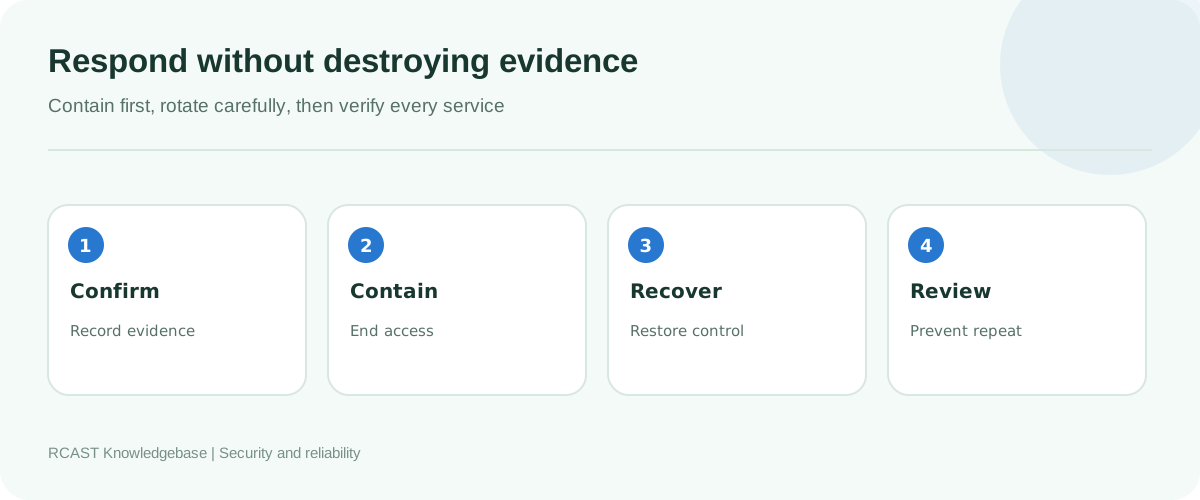
Prepare an incident response card
Write a short contact and action sheet that authorised operators can use during account takeover, malicious audio, website compromise or credential exposure. Include RCAST support details, service IDs, account owners and the approved recovery channel. Store a protected copy outside the systems it describes.
When an incident occurs, record timestamps and screenshots before logs disappear. End unauthorised sessions, disable affected accounts and rotate exposed credentials from a trusted device. Start with email and password management if their integrity is uncertain, then work outward to dependent services.
Do not rotate every password simultaneously without tracking the changes. That can lock out legitimate automation and make recovery harder. Work through the inventory in dependency order and test each restored service.
Recognise common attacks
Fake support messages
Attackers may request a password, payment or remote access while pretending to represent a provider. Open the known service website independently and contact support through its published channel.
Password reset bombing
Repeated unexpected reset messages can indicate an attempted takeover or distraction. Do not click links blindly. Inspect account sessions and secure the recovery mailbox.
Malicious remote support software
Do not install remote tools at the request of an unverified caller. Approve remote access for a defined task, supervise it and remove or disable it afterward.
Compromised website plugin
Take the affected site out of service if necessary, preserve logs, restore from a known clean backup and patch the entry point before returning it to production.
Review security every quarter
Check account owners, MFA status, inactive presenters, recovery addresses, directory administrators, remote access tools, software versions and backup results. Rotate shared secrets that cannot yet be replaced with named accounts. Confirm the incident contact list still reaches the correct people.
Security should support broadcasting rather than obstruct it. A clear access model reduces emergency confusion and makes routine staffing changes easier.
Frequently asked questions
How often should the source password change?
Change it after exposure, suspected misuse or the departure of anyone who knew it. Individual DJ credentials reduce the need for disruptive routine master changes.
Can presenters share one account?
Named accounts are better because access can be removed individually and activity can be attributed correctly.
Should passwords be sent through email?
Use a password manager sharing feature or another approved secure method. Avoid permanent plain text copies in inboxes and chat history.
What is the most important account?
The recovery email and domain registrar are often the highest impact, followed by the password manager and service administration accounts.
A secure station uses unique identities, limited privileges, protected recovery channels, maintained computers and tested backups. Document ownership before an emergency, remove access when it is no longer required, and treat source credentials with the same care as any key to a public broadcast system.