Internet radio directories can place a station inside mobile apps, smart speakers, car systems and search results that the station does not operate itself. A good listing is therefore part of the distribution infrastructure, not a one time promotional task. This guide explains how to prepare, submit and maintain accurate station records across major directories without creating duplicates or publishing fragile stream URLs.
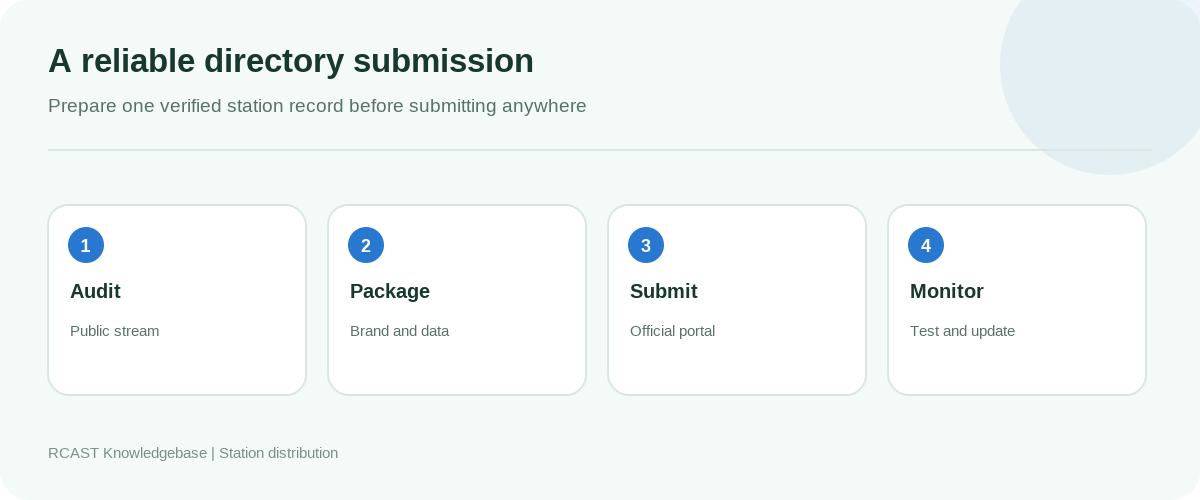
Decide what a directory should accomplish
Directories help listeners discover and launch a station. They do not replace the station website, licensing, reliable streaming or audience development. Select services used by the intended audience and devices. A local speech station may value geographic search and smart speakers, while a specialist music station may gain more from genre browsing and community applications.
A directory can change its submission policy, supported codecs or commercial terms. Use the official broadcaster portal and current help pages when submitting. Avoid paying an unknown third party merely to paste the same details into free forms. Keep control of the account and email address used for every listing.
Commission the public stream first
Do not submit a temporary test address. The public URL should use HTTPS, play without authentication and remain stable when the source changes between AutoDJ and a live presenter. Test it in a browser, a mobile device on cellular data and at least one independent player. Leave it running long enough to reveal intermittent disconnects.
Directories may inspect redirects, content type, codec, bitrate and uptime. Use a public listening endpoint rather than the encoder source port or an administration page. If several qualities are available, choose a broadly compatible primary stream. MP3 remains a practical baseline; additional AAC streams can be supplied where a directory explicitly accepts alternatives.
Create a canonical station record
Prepare one document containing the approved station name, short description, long description, website, public stream, country, language, genres, contact address and social profiles. Use the same spelling and capitalisation everywhere. Avoid filling the station name with slogans, codec labels or repeated keywords.
| Asset | Recommended preparation | Common problem |
|---|---|---|
| Station name | Exact public brand name | Different spellings create duplicate identities |
| Description | Specific format, audience and origin | Generic marketing claims provide no context |
| Logo | Square, legible, high resolution master | Tiny text disappears in mobile interfaces |
| Stream URL | Stable HTTPS listener endpoint | Submitting a source port or temporary relay |
| Genres | A few accurate classifications | Choosing every genre reduces relevance |
| Contact | Role based email controlled by the station | A former volunteer owns the listing account |
Create a square logo that remains recognisable at small sizes. Keep a lossless master and export the dimensions and format requested by each portal. Do not stretch a rectangular banner into a square. Avoid important text near the edge because some apps crop artwork into circles or rounded shapes.
Check for an existing listing
Search by the exact name, old names, website domain and stream hostname before adding anything. A station may already exist because a previous operator submitted it or a community database imported it. Claim or update the existing record through the directory's process. Duplicates split favourites, reviews and usage data, and may show conflicting streams.
Record the listing URL and directory identifier. If ownership cannot be established, contact official broadcaster support from an address on the station's domain and provide evidence that the website and stream are under the same control.
Submit to TuneIn through the current broadcaster portal
TuneIn currently directs broadcasters to its self service Broadcaster Portal. Create or sign into the station controlled account, choose Add a Station, and provide the public directory information and stream requested by the form. Existing stations can be associated with an account through the access request route described by TuneIn support.
Enter accurate licensing information where requested and review the platform terms before submission. After approval, use the edit tools for station details, logos, streams and schedules. Policies and availability can change, so follow the links presented in the official portal rather than an old blog screenshot.
Add the station to Radio Browser carefully
Radio Browser is a community maintained open database used by many independent applications. Its add form asks for the station name, URL, homepage, favicon and location information. Search the database first, as the official form requests, then add the station only when no correct record exists.
Because data can be consumed by third party apps, supply a direct stable stream and a permanent logo URL. After saving, open the record and test playback. Keep its station UUID in the listing inventory so an existing record can be corrected instead of duplicated later.
Handle Radio Garden and curated services
Curated directories may review station location, programming and stream reliability before inclusion. Use their current official submission or contact route and provide a genuine geographic location when required. Do not invent coordinates to appear in a larger market. A clear station website with contact details and programme information makes verification easier.
If a service does not currently accept submissions, document that status and review it later rather than using unofficial promises of guaranteed placement. Inclusion decisions belong to the directory.
Understand SHOUTcast directory listing
A public SHOUTcast v2 station normally uses the server's directory registration mechanism and an authhash associated with the station identity. Treat an authhash as a secret and manage it through the supported server or provider interface. Public and private stream modes have different purposes. If the server reports that registration is required, follow the current SHOUTcast and RCAST procedure for that service instead of copying an authhash from another station.
Confirm the public listing displays the intended name, genre and website. Incorrect source metadata can affect what listeners see even after registration succeeds.
Test the listing as a listener
- Wait for the directory's stated review or refresh period.
- Find the station through search and through its genre or location where applicable.
- Start playback on a network outside the studio.
- Confirm the stream continues for at least fifteen minutes.
- Check logo, description, website and now playing text.
- Test any alternative stream qualities separately.
- Save the public listing URL and identifier in the inventory.
A successful form response is not proof that playback works. Some platforms cache an old stream or normalise a URL differently. Test the actual consumer application.
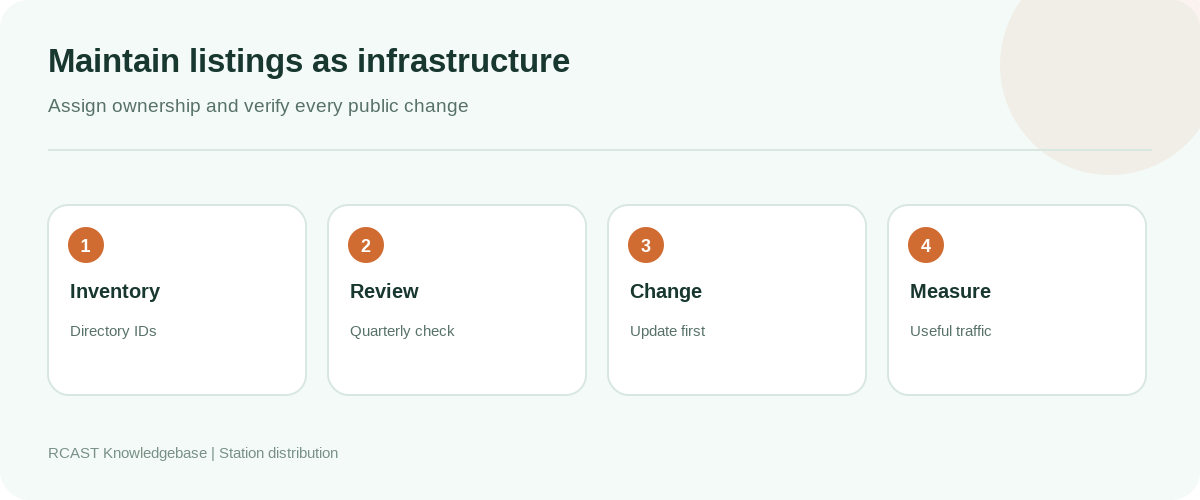
Plan changes without losing listeners
When migrating streaming hosts, keep the old endpoint available during the transition if possible. Update major directories first, monitor them, then retire the old address only after applications have refreshed. A stable station controlled redirect or listening hostname can reduce future changes, provided it is designed for continuous audio and tested with directory validators.
Do not change the station name and stream URL at the same time unless necessary. Controlled changes make faults easier to diagnose. Preserve the directory identifier and edit the listing rather than creating a replacement.
Maintain a directory inventory
Use a spreadsheet or password manager record containing the service, public listing, station ID, account owner, recovery email, submitted stream, logo version and last review date. Store passwords in the password manager, not the spreadsheet. Assign a permanent station role as owner and grant individual access where supported.
Review listings quarterly and after any website, certificate, stream or branding change. Remove dead alternate URLs. Confirm the public contact address is monitored. Check whether a platform has introduced a broadcaster portal, analytics or new requirements.
Measure value without misleading conclusions
Use tagged website links where a directory permits them and compare referral traffic. Stream listener logs can reveal client names and patterns, but not every app identifies its parent directory. A listing with few website visits may still produce listening sessions directly inside an app.
Measure sustained listening, favourites, branded searches and listener feedback over time. Do not buy artificial plays or votes. They do not build a real audience and can violate platform rules.
Troubleshooting rejected or silent listings
The directory says the stream is invalid
Test the exact submitted URL without cookies or authentication. Check HTTPS certificates, redirects, codec and content type. Ensure it is the listener endpoint.
The old logo remains visible
Directory and app caches may update slowly. Replace the asset through the official portal, use the requested format, and allow the published refresh period before resubmitting.
The station appears twice
Do not add a third record. Contact the directory or use its correction process with both identifiers and evidence of ownership.
Metadata is wrong
Compare the server status output with the directory display. Correct the source metadata first, then allow for directory caching.
Frequently asked questions
Should the station submit to every directory?
No. Prioritise services used by the target audience and maintain each listing well.
Can one listing include several bitrates?
Some directories accept alternate streams. Submit only documented compatible options and test how the service selects them.
Does directory inclusion guarantee smart speaker playback?
No. Voice platforms use different providers, naming rules and regional availability. Test the exact invocation on target devices.
A directory strategy succeeds when every listing points to a stable stream, presents a consistent identity and remains under station control. Prepare the canonical record once, use official submission channels, verify playback as a listener and maintain an inventory throughout infrastructure changes.